Product tour
Hands-free scrolling,
at your pace.
Smooth scrolling for long reads, page turns for books, and a swipe to the next short video every few seconds. No account. Free with ads; a one-time Pro removes them.
Free · One-time Pro · Android 7.0 and later
Smooth scroll
Long reads,
no thumb needed.
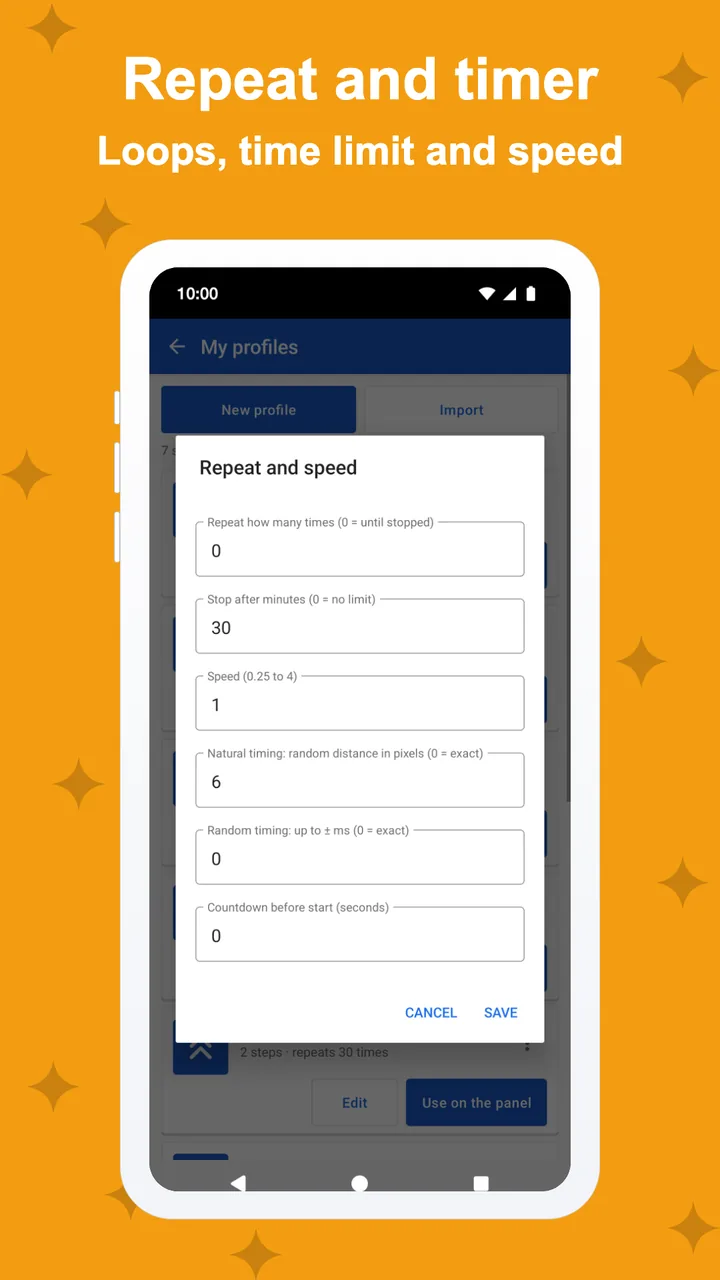
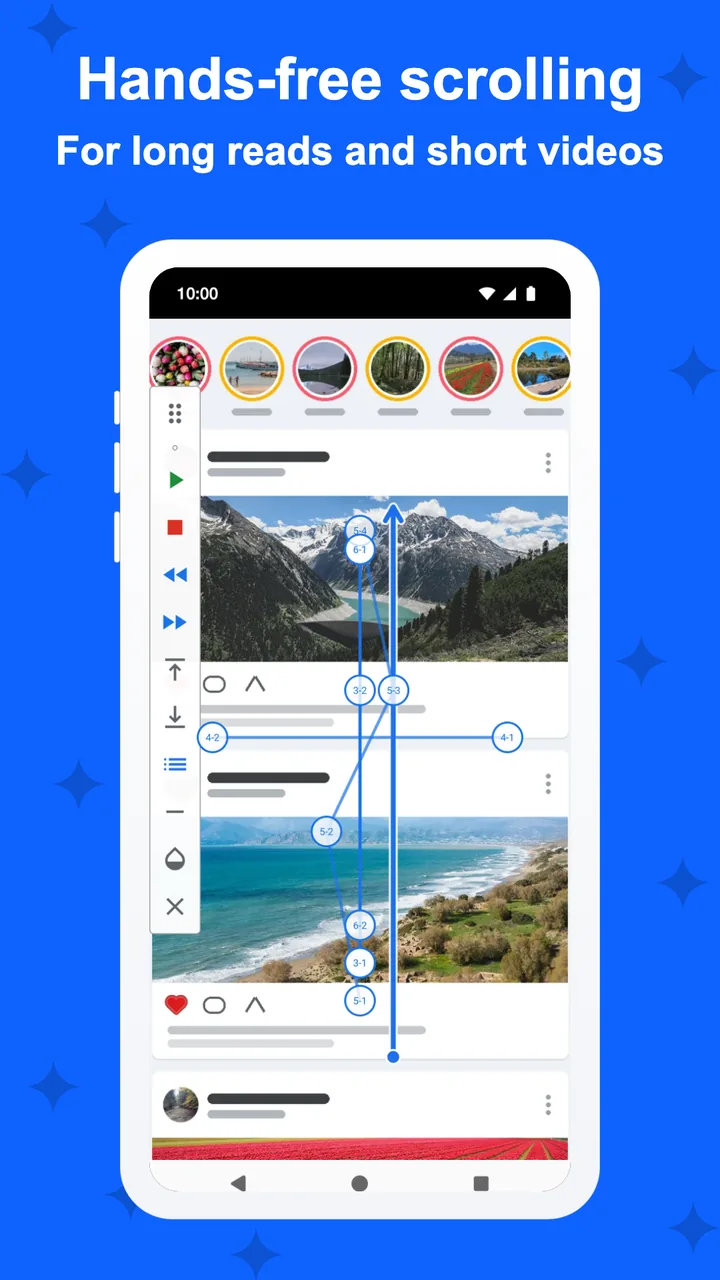
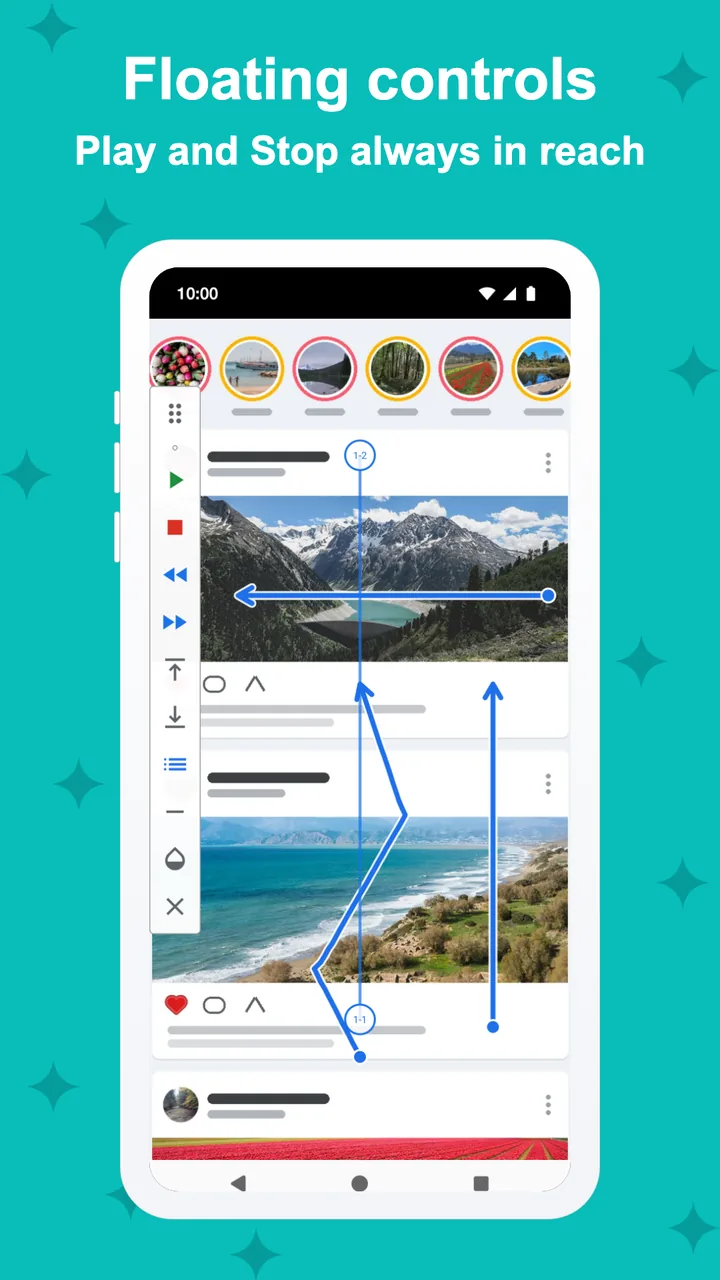
A steady scroll at the speed you choose, up, down, left or right. Faster, slower, pause and direction are on the floating controls.
- Speed you choose, 4 directions
- Floating play, pause, faster, slower
- Stop timer, or stop after N swipes

Page mode
Page turns
for books.
One page every few seconds, for e-books, comics and long documents, with a soft cue just before each turn. With Pro, a reading ruler keeps your line, and the teleprompter scrolls your own text at the words per minute you choose.
- One page every few seconds
- A cue before each turn
- Pro: reading ruler and teleprompter

Short videos
Next video,
every few seconds.
A swipe to the next video every few seconds, in a safe lane that never presses like or follow buttons. Hold the current video when you want more time. With Pro, use random intervals.
- Swipe every N seconds
- A safe lane that never presses a button
- Pro: random intervals

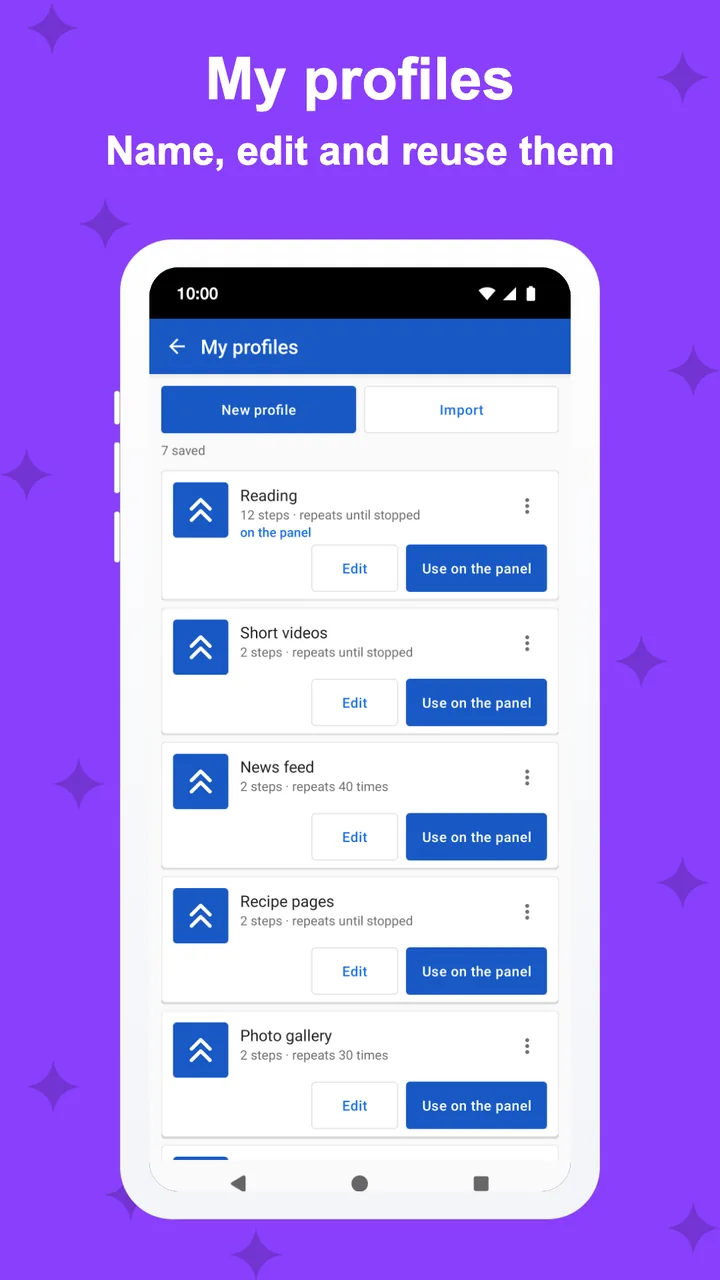
Profiles
It remembers
each app.
Save a profile per app, and with Pro it loads by itself when you open that app. Set the limit: stop after 20 videos or pages, see today's count, and decide whether you want one more.
- 2 profiles free, unlimited with Pro
- You set the limit: stop after N
- Pro: loads by itself when the app opens
Privacy
It scrolls.
It never stores your screen.
SwipeGlide finds the list to scroll at the moment it scrolls and never keeps what is on the screen. It takes no screenshots and never sends what is on the screen.
- No screenshots, nothing stored
- Pauses when you touch the screen
- No account; Pro removes the ads
And more
The small things,
done right.
Screenshots
Every screen,
exactly as it ships.
Every screen below is a real screenshot.